3. Enter creditor invoices
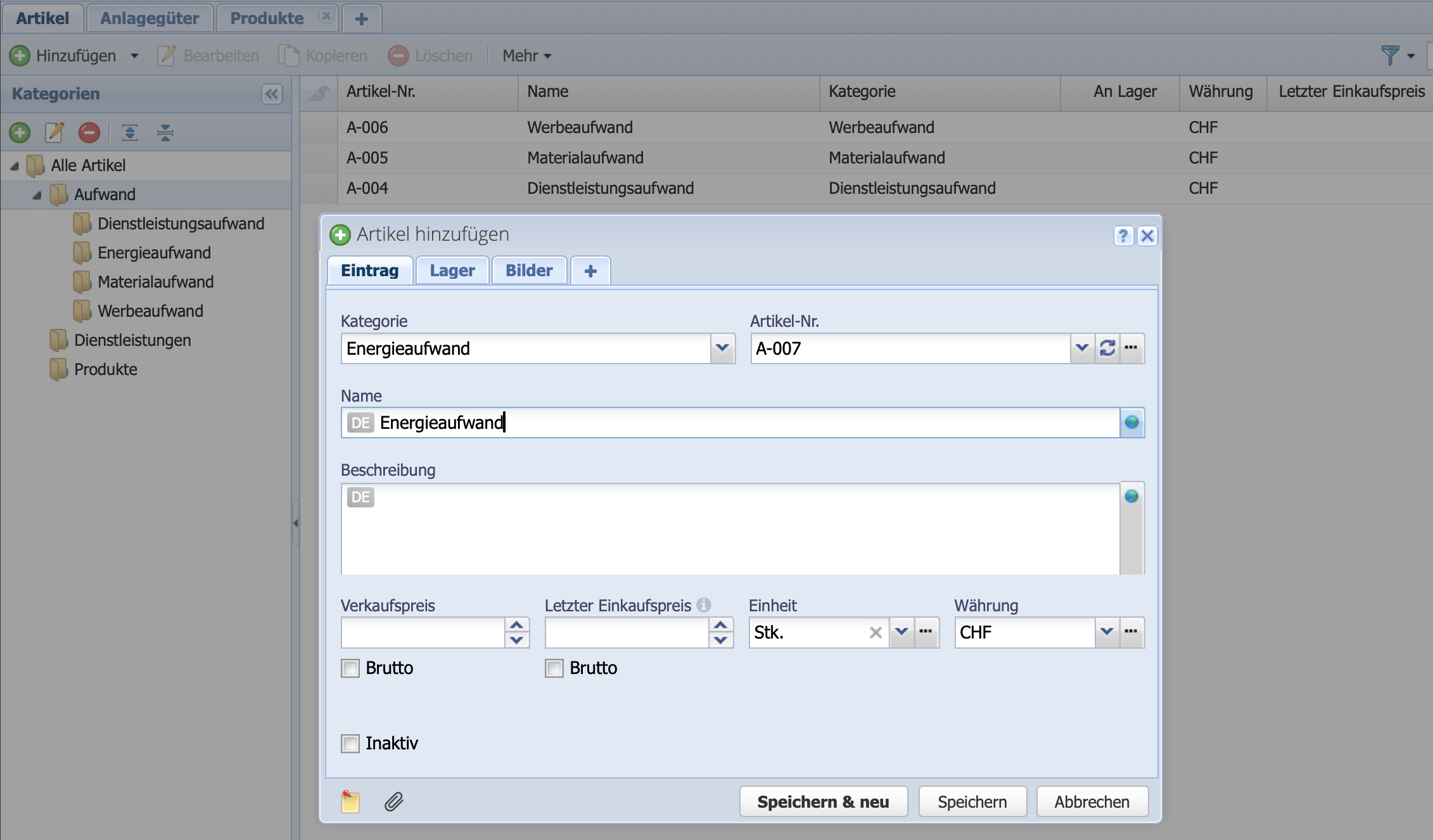
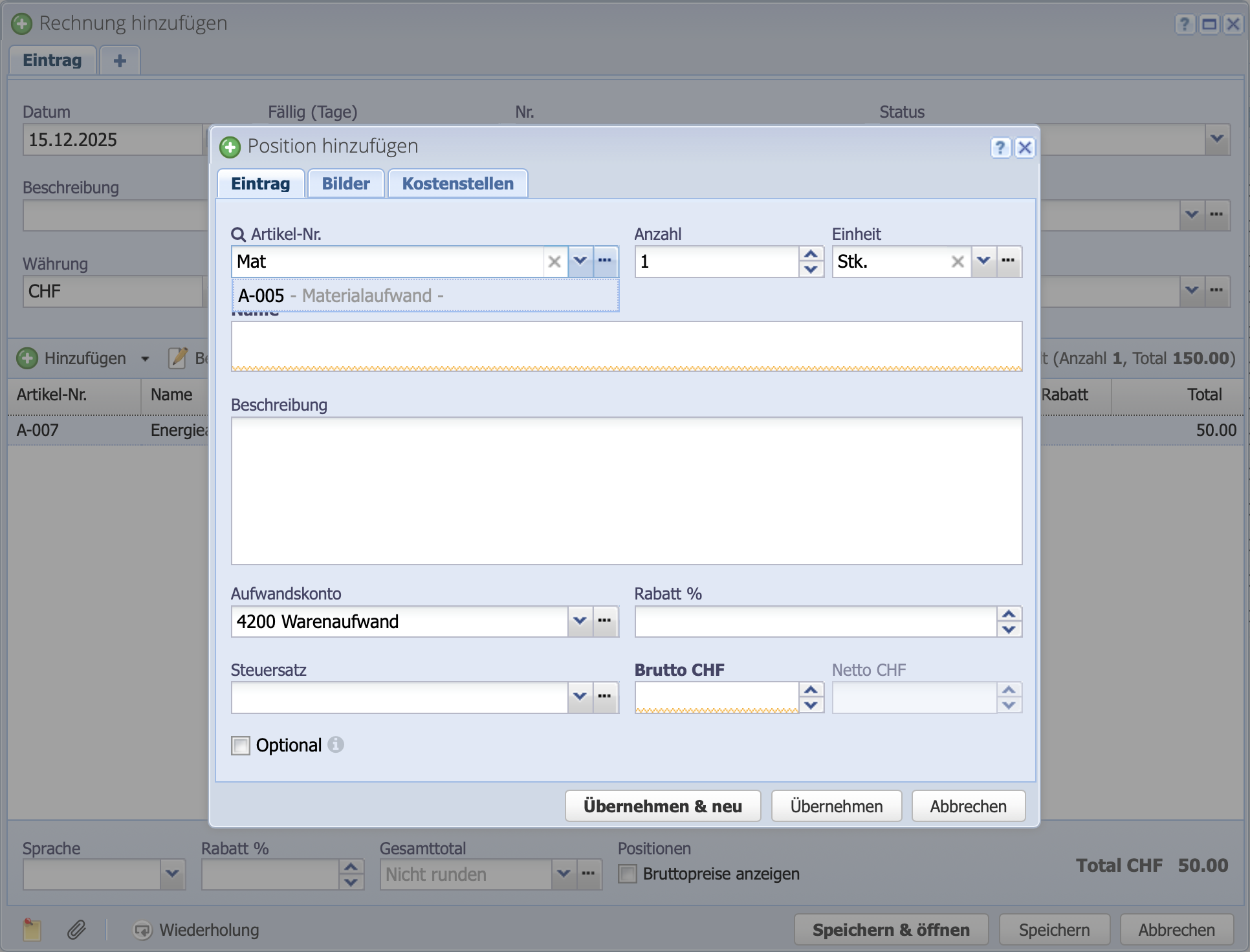
Switch to Orders and the Purchase tab. Create a new purchase invoice by clicking Add. Set the invoice date and business partner, then select an item by clicking Add via .
The cursor is directly in the search field for the item number. Now enter the first few letters, e.g., for material costs, enter “Mat...” and select the item. Use the tab key or click with the mouse to jump to the Gross CHF field and enter the amount. Add further items or transfer an item.
Complete the creation process by clicking Save & Open.